

• carexm-icon-nav-nurse-triage-dark-bg

    Nurse Triage

    24/7 clinical support that helps patients get the right care

    carexm-icon-nav-patient-engagement-dark-bg

    Patient Engagement

    Keep patients connected and supported throughout their care

    carexm-icon-nav-automated-answering-dark-bg

    Automated Answering

    Intelligent call handling that improves access and efficiency

  • Who We Serve
  • Blogs

    Insights, perspectives, and guidance on improving care

    Case Studies

    Real-world examples of how organizations have improved care and performance

    Webinars

    Practical discussions on the challenges shaping home-based care

  • About

    Learn about our commitment to improving care experiences

    Careers

    Explore opportunities to make a meaningful impact on home-based care

    Integrations

    See how CareXM connects with the technology your organization already uses

    Press Releases

    The latest company news, announcements, and updates

  • CXM Login

    Telemed Login

    Knowledge Center

carexm-icon-nav-nurse-triage-dark-bg

Nurse Triage

24/7 clinical support that helps patients get the right care

carexm-icon-nav-patient-engagement-dark-bg

Patient Engagement

Keep patients connected and supported throughout their care

carexm-icon-nav-automated-answering-dark-bg

Automated Answering

Intelligent call handling that improves access and efficiency

carexm-featured-triage-nurse-810x1080

Featured

Exploring the idea of centralization?
nav-item-icon-placeholder

Nurse Triage

nav-item-icon-placeholder

Patient Engagement

nav-item-icon-placeholder

Automated Answering

nav-item-icon-placeholder

Menu Item

featured-cta-placeholder

Featured

A better experience for every patient call

Blogs

Insights, perspectives, and guidance on improving care

Case Studies

Real-world examples of how organizations have improved care and performance

Webinars

Practical discussions on the challenges shaping home-based care

carexm-featured-hopehealth-nurse-810x1080

Featured

HopeHealth rethinks after-hours care

About

Learn about our commitment to improving care experiences

Careers

Explore opportunities to make a meaningful impact on home-based care

Integrations

See how CareXM connects with the technology your organization already uses

Press Releases

The latest company news, announcements, and updates

CXM Login

Telemed Login

Knowledge Center

Automated Answering

Keep your organization accessible at all hours
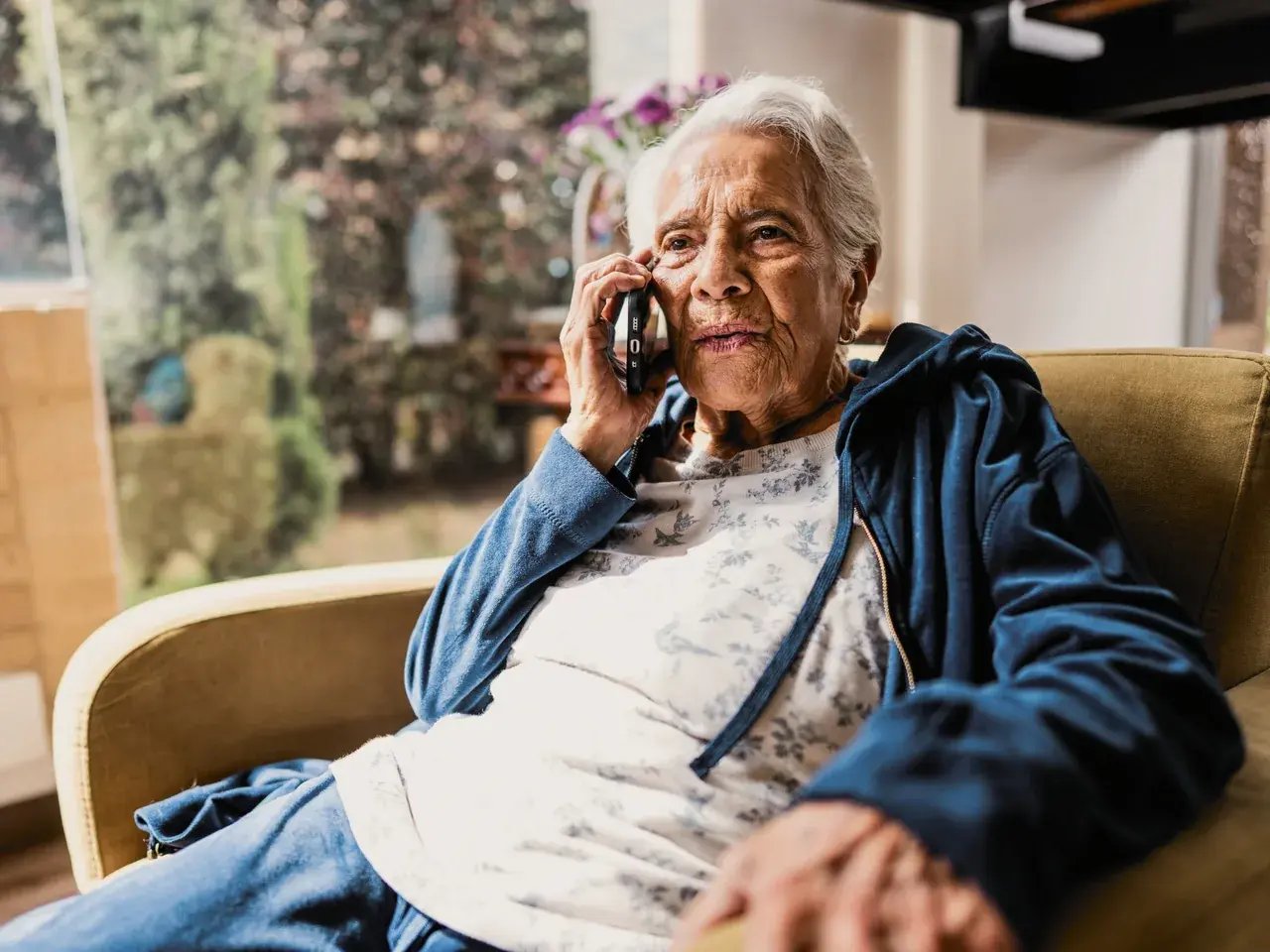
Ensure every caller gets a response, urgent needs get immediate attention, and routine requests get timely follow-up.
carexm-woman-phone-armchair-flipped-1280x960

Stay responsive without interrupting your team's day

Patients and families need a reliable way to reach your organization. Your staff needs the time and context to respond appropriately. 

carexm-icon-reliable-access-around-the-clock-light-bg

Reliable access, around the clock

Give patients and families an immediate response, even when your office is closed or your team is unavailable.

carexm-icon-less-time-managing-routine-calls-light-bg

Less time managing routine calls

Capture and organize requests for follow-up, so staff can prioritize the work instead of repeatedly stopping to answer the phone.

carexm-icon-right-attention-for-urgent-needs-light-bg

The right attention for urgent needs

Urgent concerns route to the appropriate contact and escalate until the message is acknowledged.
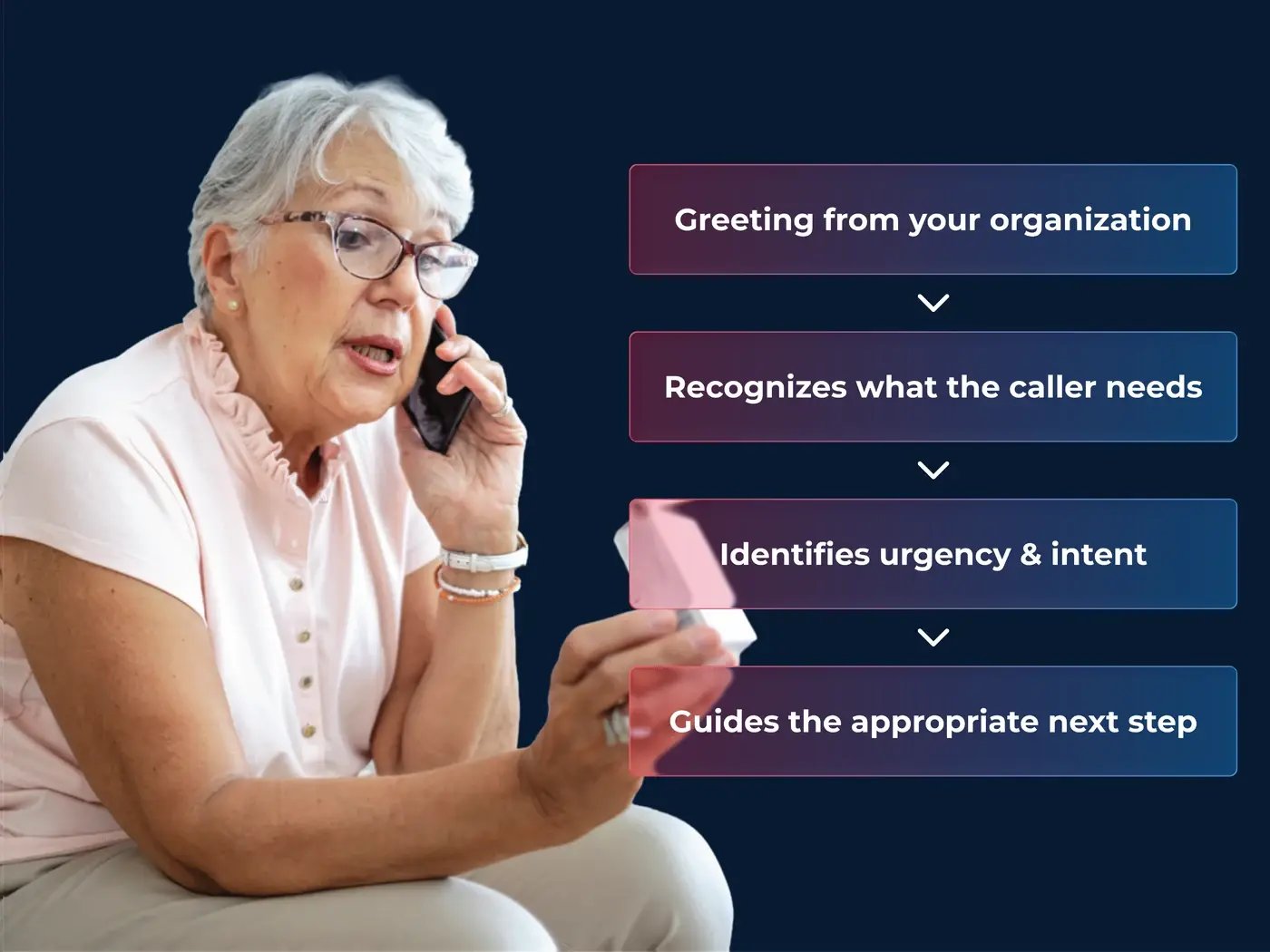
An answering experience that reflects your organization

Give patients a clear, familiar way to reach their care team. Customize how calls are answered, from traditional IVR menus to conversational AI that listens to callers, recognizes the level of urgency, and guides them to the appropriate next step.

Medical answering made easy with CareXM

Almost immediately, we saw a reduced number of non-urgent calls going to the on-call staff after hours.

Marc Sanders

Executive Director of Home Health, Assisted Home Health & Hospice

The system is intuitive and flexible. I can listen to patient messages anytime, hear their voice for context, and call back immediately using my office number. It saves me time while keeping me connected.

Arthur Magun

MD, Columbia University Irving Medical Center

How it works

A clear path for every call

Every call follows a defined path, giving patients a consistent experience and your team the context to respond appropriately.

carexm-icon-every-call-answered-dark-bg

Every call is answered

Patients receive an immediate greeting through your configured answering experience and can explain why they’re calling.

carexm-icon-context-captured-dark-bg

Context is captured

Caller details, the reason for the call, and relevant conversation information are organized so staff have context before responding.

carexm-icon-urgent-needs-escalated-dark-bg

Urgent needs are escalated

Calls follow your escalation protocols, with notifications directed to the appropriate contacts and backup coverage activated when needed.

carexm-icon-routine-requests-ready-for-follow-up-dark-bg

Routine requests are ready for follow-up

Non-urgent messages are organized with context staff need to review requests, prioritize callbacks, and determine the appropriate response.
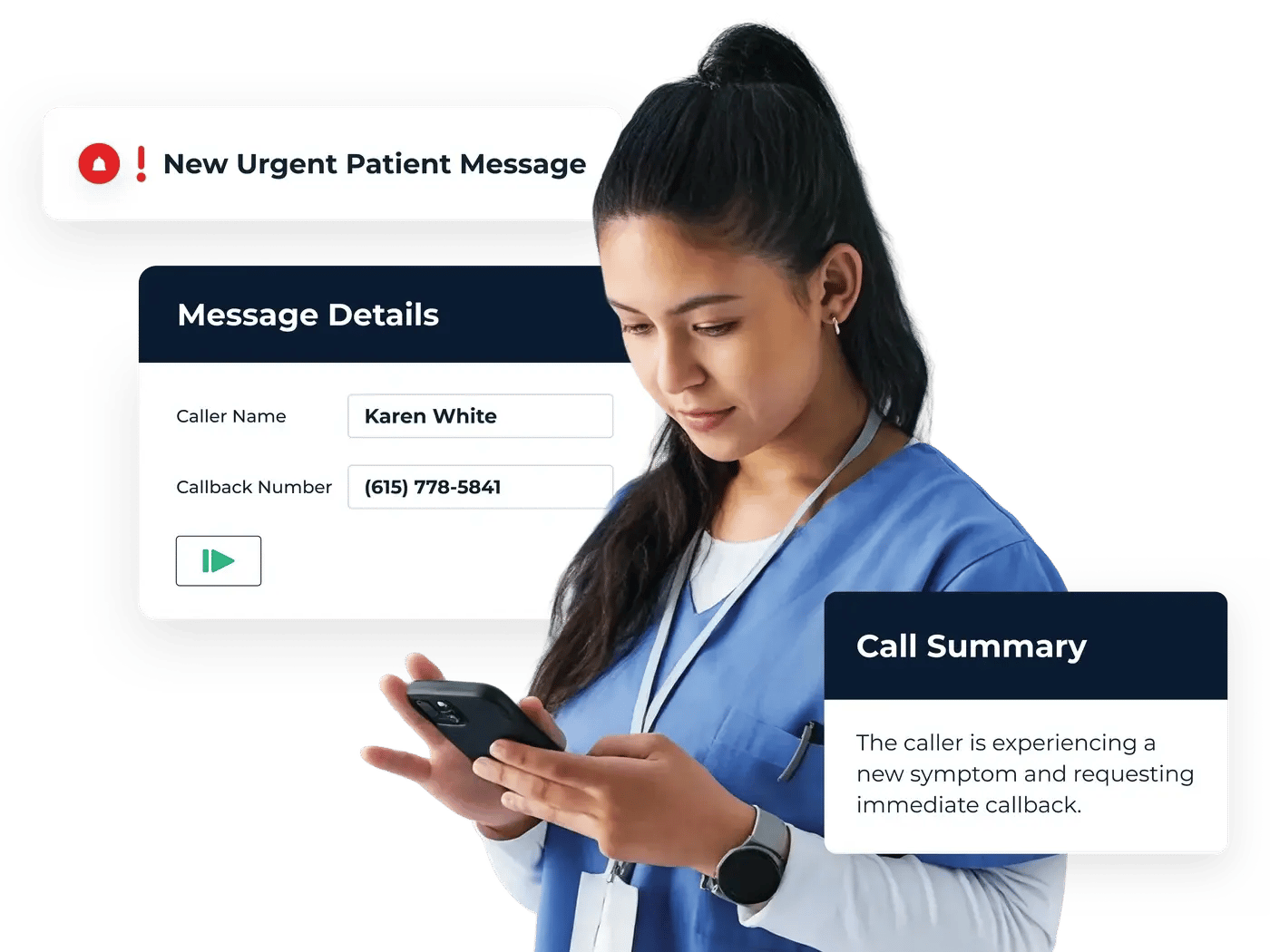
CareXM escalates messages accurately

Urgent messages notify until acknowledged

Your team retains control of the response, with a documented process for getting urgent needs in front of the appropriate provider.

  • Set escalation pathways based on urgency, clinical need, and patient type.
  • Notify individuals or groups, with backup contacts available when the initial contact does not respond.
  • Escalate through additional notification attempts, including a change from text to call when configured.
  • Maintain a record of escalation attempts and delivery activity.

Reporting & Analytics

See where patient demand is affecting your operation

Understand why patients are calling, how requests move through your answering workflows, and where follow-up may need attention.

carexm-icon-understand-call-volume-light-bg

Understand demand

Review call activity and reasons to identify recurring needs and patterns.

carexm-icon-monitor-responsiveness-light-bg

Monitor responsiveness

Track response times, escalation attempts, and backup activations to understand how your workflows perform.

carexm-icon-support-quality-oversight-light-bg

Support quality oversight

Review call recordings and transcripts to assess interactions and identify opportunities to improve.

carexm-icon-keep-follow-up-visible-light-bg

Keep follow-up visible

Use automated summaries and message histories to help staff stay informed about incoming requests and follow-up needs.

Prefer a live answering team?

CareXM’s patient care advocates act as an extension of your team, answering calls and following your protocols to route urgent concerns to on-call providers.

  • U.S.-based, healthcare-specific agents
  • Rigourously trained with regular evaluations
  • Monitored and recorded for quality assurance
Your questions, answered

Everything you need to know about automated answering with CareXM

Choosing the right answering solution starts with understanding how it fits your organization’s needs. Learn how CareXM’s medical answering services work to help you manage incoming patient calls.


An automated medical answering service answers incoming calls for healthcare organizations, captures caller information and the reason for the call, and directs requests according to the organization’s workflows.

CareXM offers traditional IVR or conversational AI experiences to provide patients and families with a consistent way to reach the organization while helping staff manage incoming requests.

Yes. Automated answering gives patients a way to reach your organization outside normal business hours. Calls can be answered, documented, and routed accordingly to your configured workflows, including escalating urgent messaged to designated on-call contacts. This helps maintain access without requiring staff to personally answer every call.


CareXM supports configurable escalation protocols that direct urgent messages to designated contacts. Organizations can establish primary and backup coverage, with additional notification attempts when an initial contact does not acknowledge a message. This creates a defined process for bringing urgent concerns to the appropriate person.


Yes. CareXM’s answering services are designed to support healthcare organizations’ privacy and security requirements when handling protected health information. Organizations should also ensure their own workflows and use of the service align with their HIPAA obligations.

Automated medical answering can support a range of healthcare settings, including medical practices, specialty clinics, home health and hospice providers, and other organizations that manage patient calls. The right configuration depends on call volume, operating hours, patient needs, and how urgent and routine requests should be handled.

See what's possible with automated coverage

Let’s build a better experience for managing incoming patient calls.